SharpList lays your list out the way your supermarket is actually laid out, so you walk the aisles once. Add items with Siri, share with the family over iCloud, and let it learn where everything goes.
Free for 7 days. No account required.
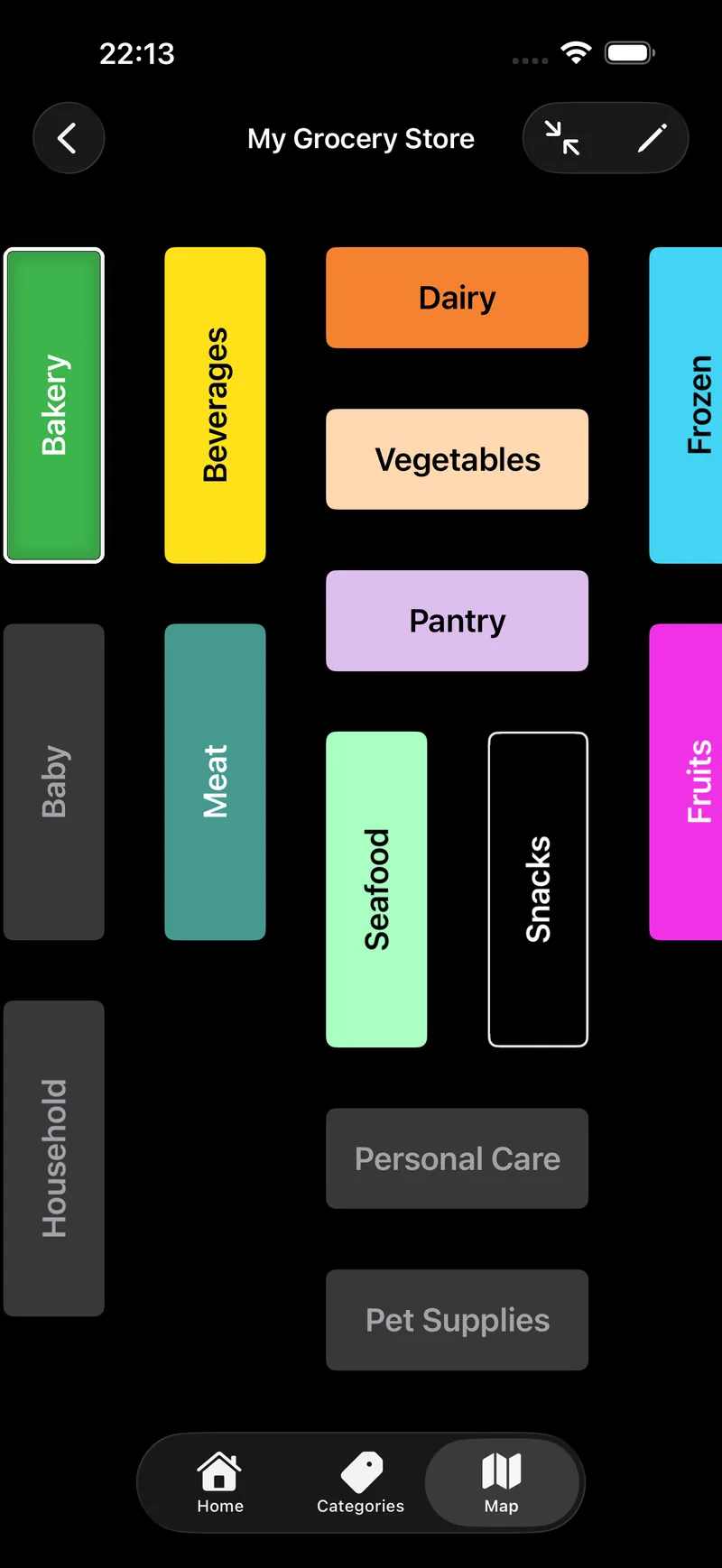
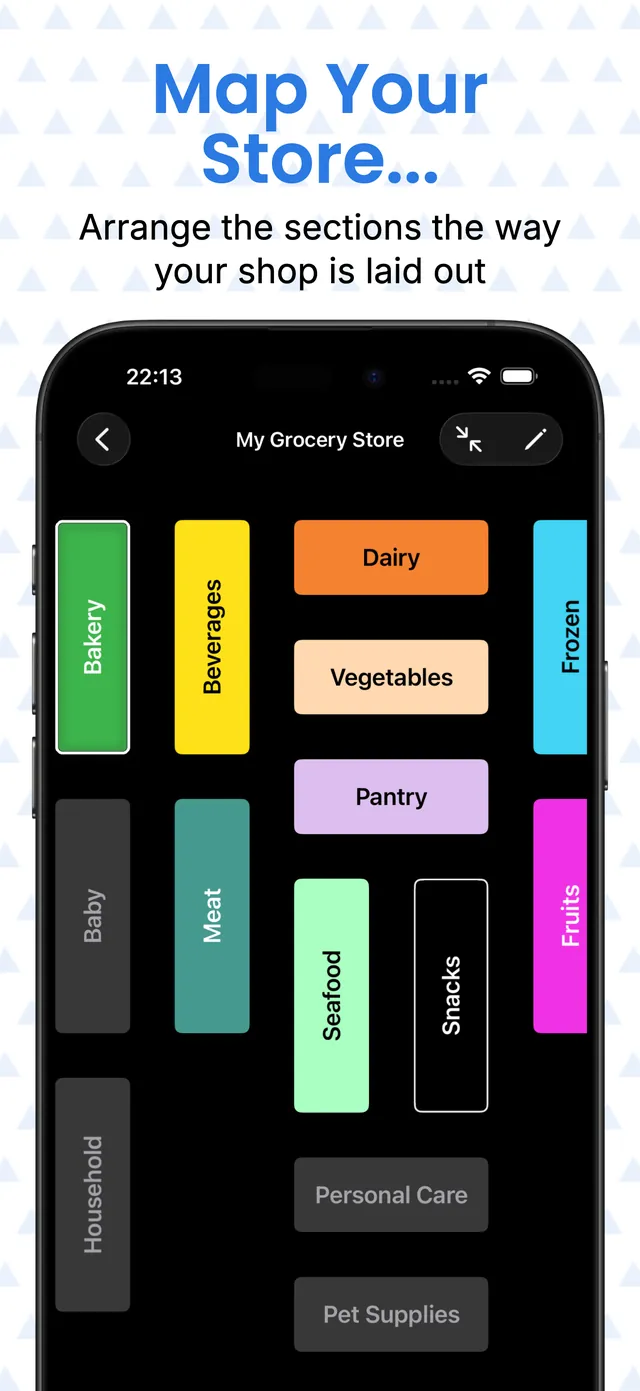
Every list gets its own map of the shop. Each block is one of your categories — Bakery, Dairy, Frozen — and you drag them into the order you actually walk the store. Setting it up takes about a minute, once.
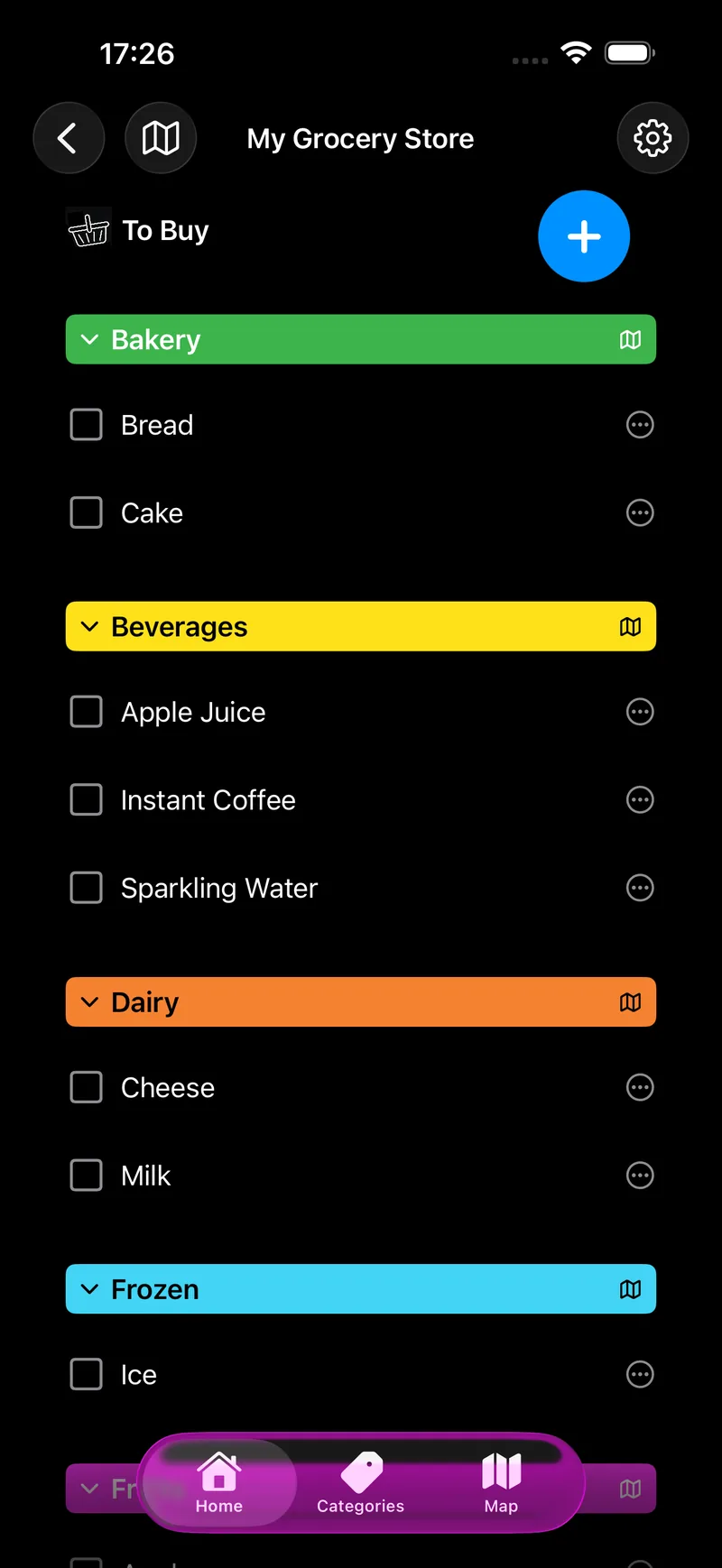
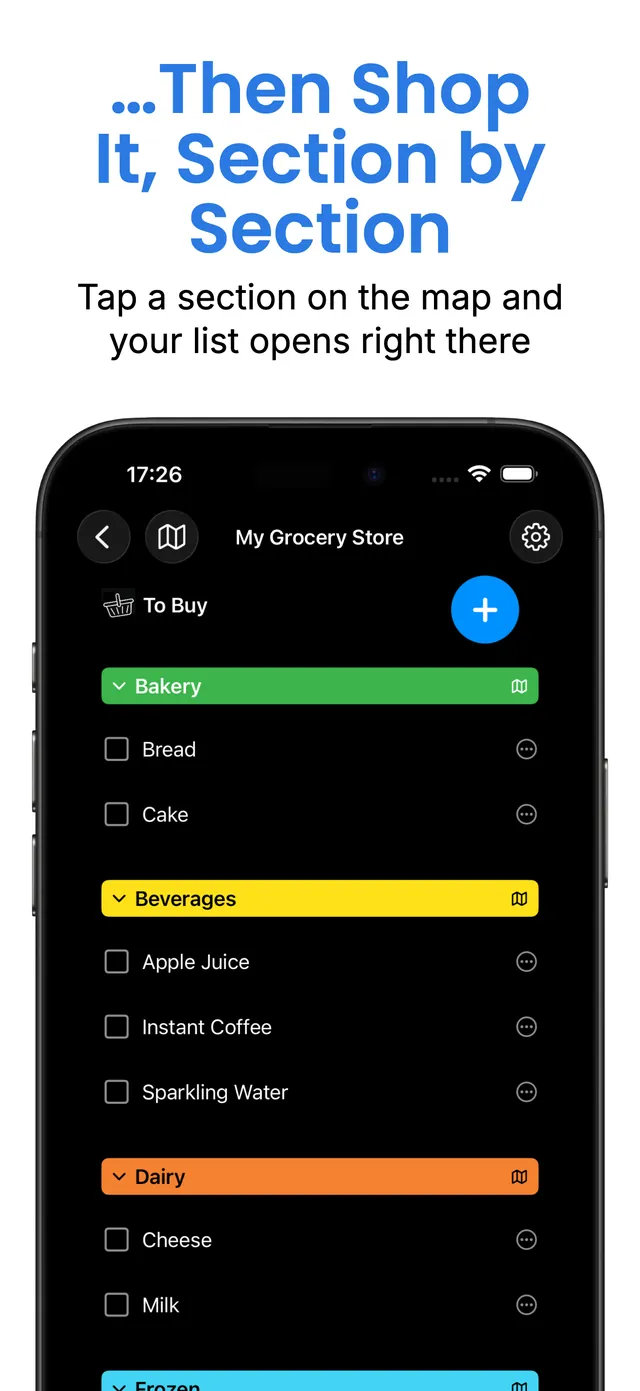
Then shop from it. Tap a section and the list opens right there, with every other category folded away, so all you can see is the six things you need from Frozen. Check them off and you come straight back to the map.
The colours tell you what is left. A block stays coloured while that section still has something to buy, turns hollow once you have checked everything off it, and sits flat gray when there is nothing from it on this list at all — so you can read the whole shop in a glance.
Nothing is downloaded and nothing is guessed. It is your shop, drawn by you, which is why it works just as well for the corner supermarket as for the big one out of town.
Say “Add milk using SharpList” with your hands full and it is on the list before you have put the carton back in the fridge. Several at once works too: “Add milk, eggs and bread to My Grocery List using SharpList.”
The words “using SharpList” are what send it to the app instead of Reminders.
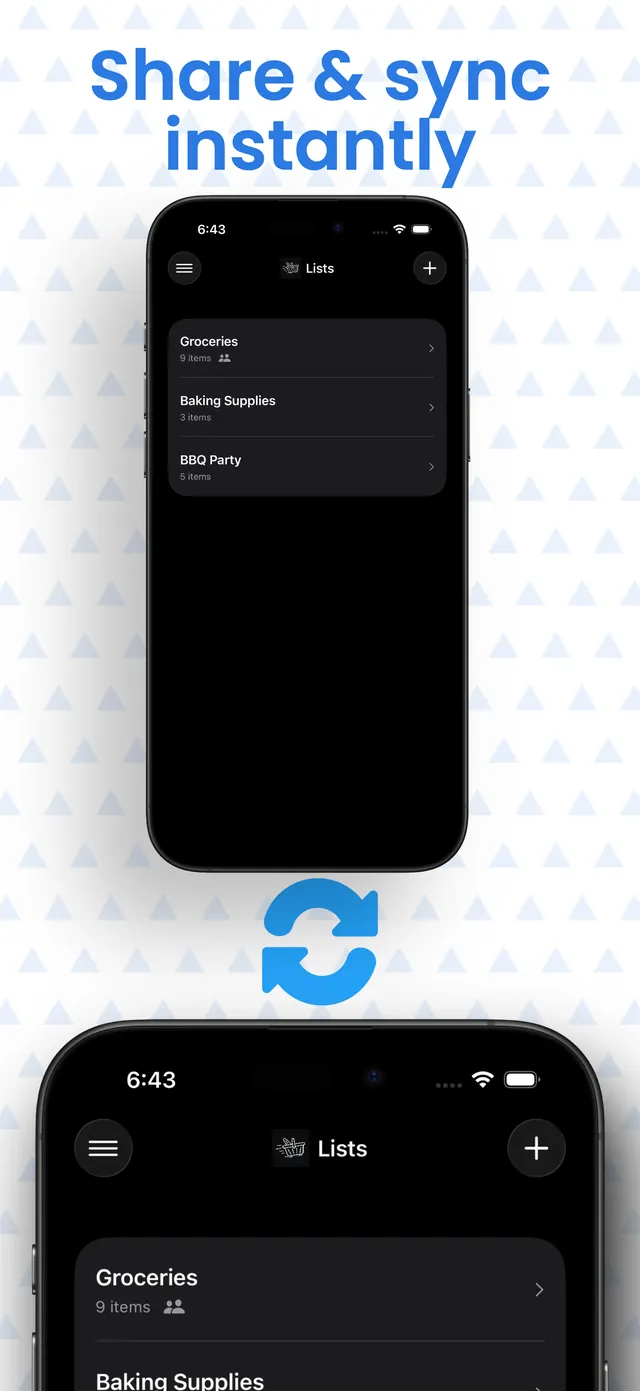
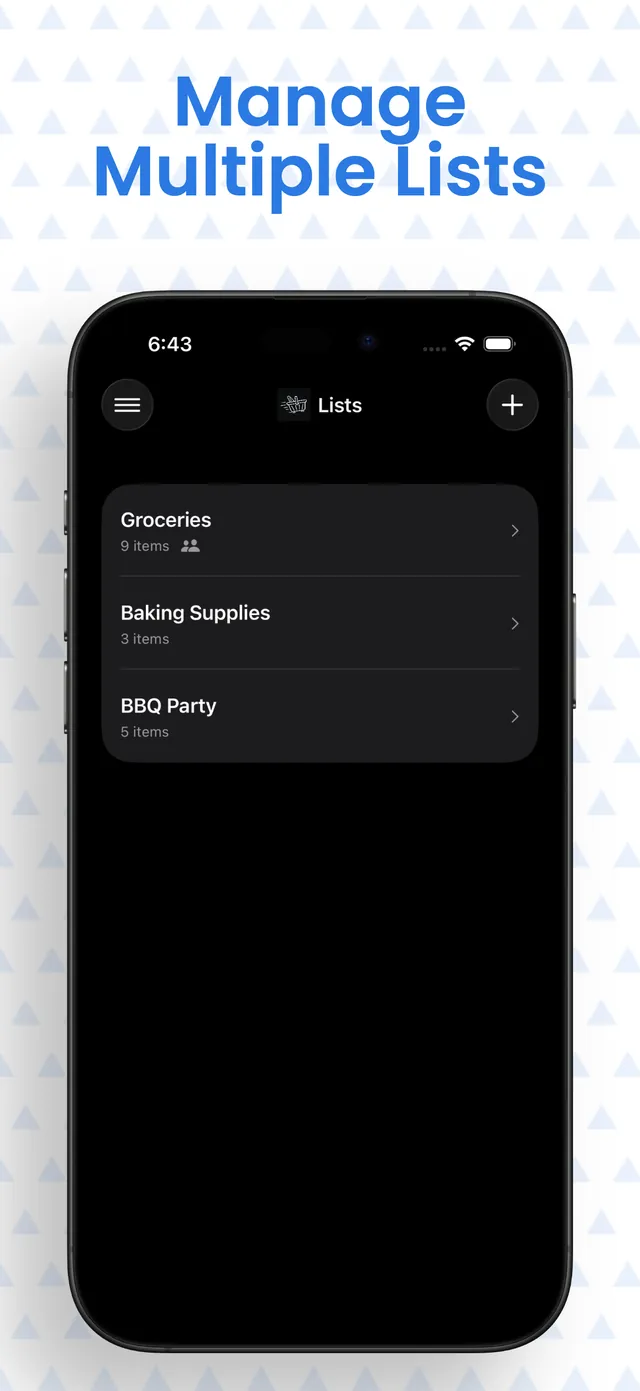
Share a list over iCloud and everyone sees the same thing as it changes. Someone crosses the milk off on their way home and it disappears from your phone while you are standing in the aisle.
The map travels with the list. Blocks gray out as anyone checks items off, so you can both see what is still outstanding. Only whoever created the list can rearrange the layout, so nobody's shop gets redrawn under them mid-aisle.
No account, no sign-up, no email address. Lists live in your own iCloud.
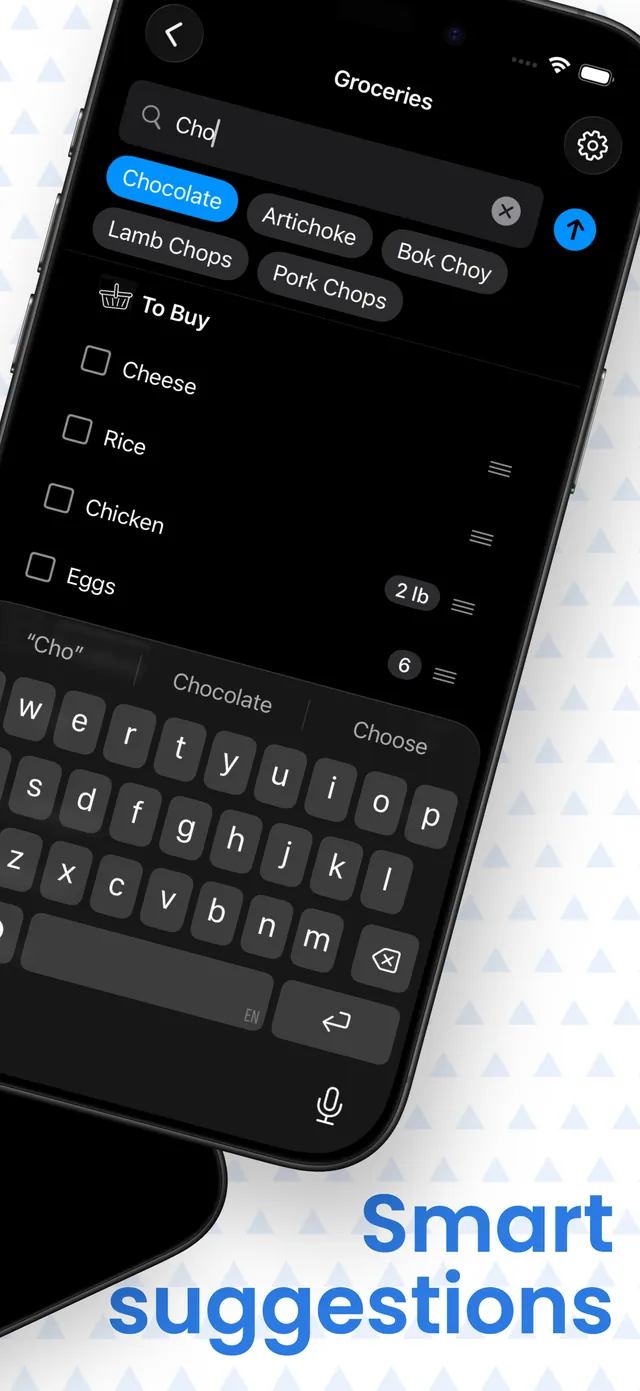
Start typing and SharpList suggests from a catalogue of hundreds of everyday groceries, plus everything you have added before — so the things you actually buy surface first, after two or three letters.
Move an item to a different category once and it stays there. Put olives under Pantry instead of Fresh, and the next time you add olives SharpList already knows. Your list ends up organised the way your shop is organised, not the way somebody else's is.
Tap any category header to fold it away. The folded header keeps showing how many items are still left inside, so nothing quietly goes missing. Tap the basket at the top to fold every category at once, then open them one aisle at a time.
You control the categories themselves too — reorder them, rename them, hide the ones your shop does not have, or add your own. That single global order is what every list follows in By Category mode.
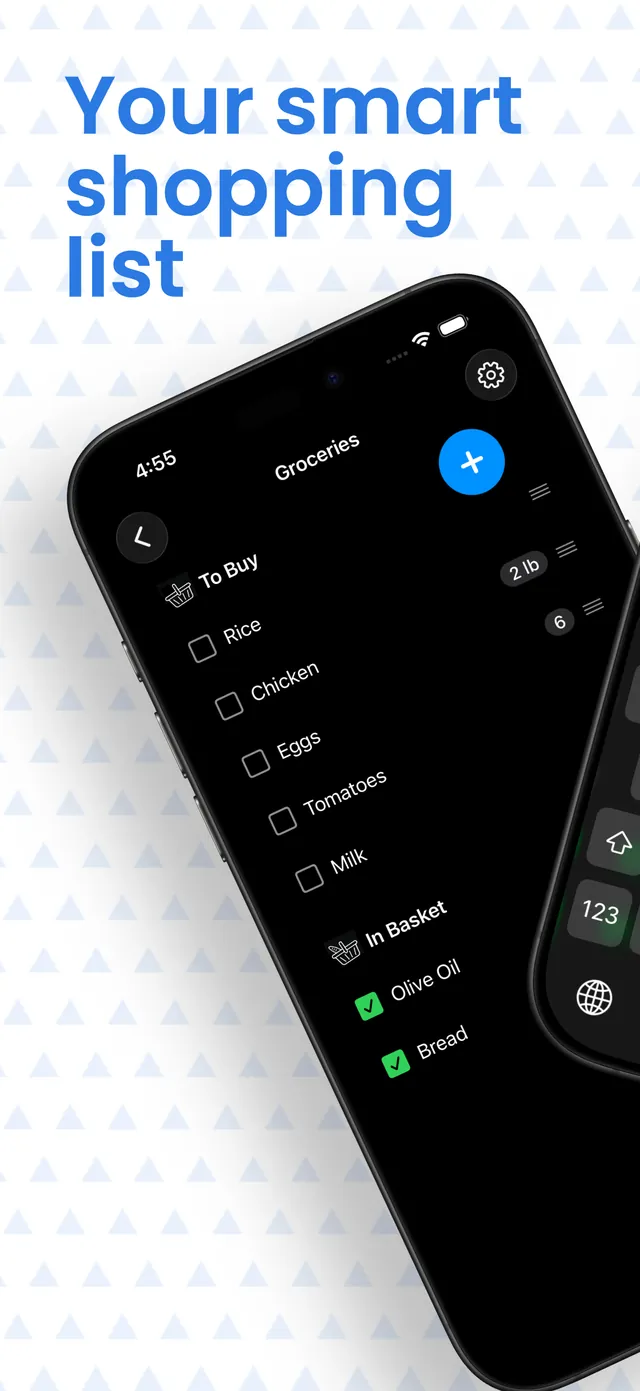
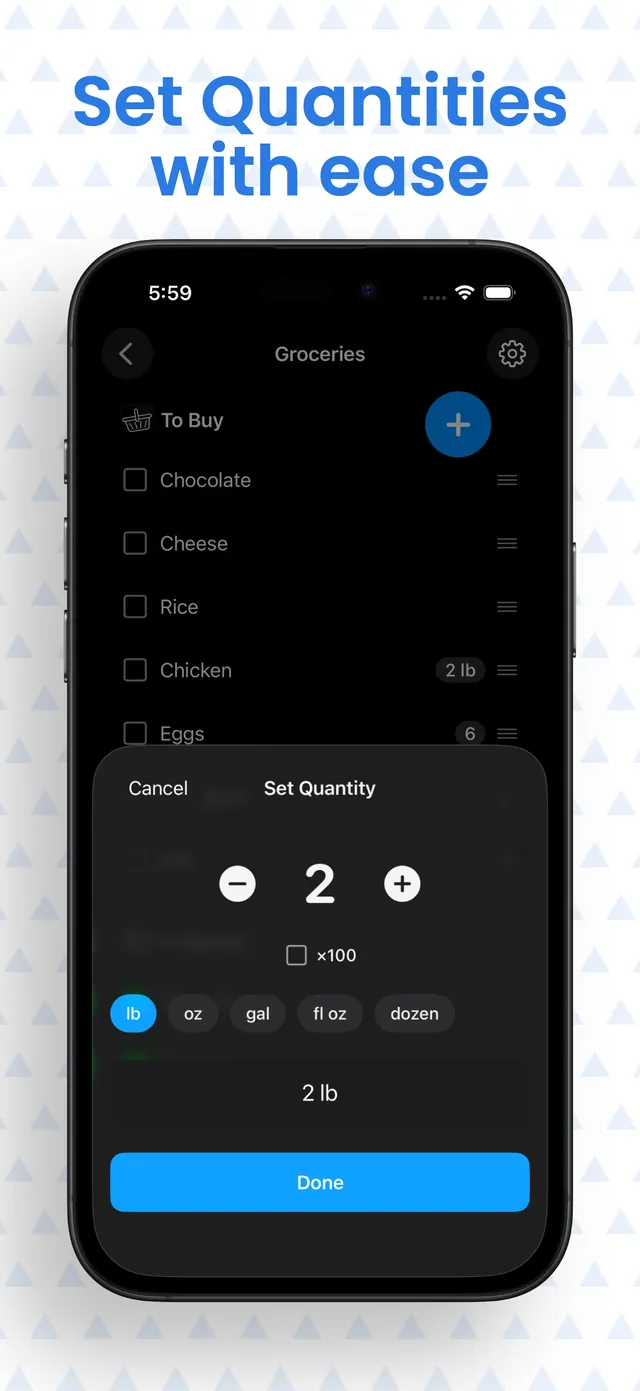
And quantities are one tap from the item: 2 lb, 500 g, a dozen, 2 L, without ever leaving the list.
Lay out your supermarket once, then shop it section by section instead of scrolling one long list.
“Add milk using SharpList” and it is on your list. Several items in one sentence works too.
Share with family or housemates. Changes show up on everyone's phone as they happen.
Hundreds of everyday groceries plus your own history, ranked as you type and getting sharper each shop.
Pounds, grams, ounces, litres, dozens — set the amount in a tap and carry on.
No sign-up, no email address, no tracking, no ads. Your lists stay in your own iCloud.
That is what the SharpList store map does. You draw your own shop as a grid of category blocks — Bakery here, Frozen at the back — and arrange them in the order you walk it. The app has no knowledge of real shops and downloads nothing; the layout is yours, so it fits whichever supermarket you actually use.
No. Your list always follows the category order you set on the Categories screen. What the map does is take you to a section: tap a block and the list opens at that category with the others folded away, and the block's colour carries across to the header so you know where you are.
Never — not to start, not after the trial. There is no sign-up and no email address to hand over. Your lists are stored on your iPhone and in your own private iCloud, and sharing works through iCloud too.
SharpList is free to download, and the subscription starts with a 7-day free trial so you can try everything before paying anything. If you would rather not subscribe, a one-time purchase unlocks the app permanently — note that the free trial applies to the subscription only, so a one-time purchase is charged straight away.
English, Spanish, Catalan, Brazilian Portuguese and French, including the built-in grocery catalogue in each. One exception worth knowing: Siri itself has no Catalan support, so voice adding is unavailable in that language.
SharpList is built for iPhone. There is no iPad or Apple Watch version at the moment.
No. There are no advertising networks, no analytics tools and no social SDKs in the app, and we have no servers of our own — your lists sit in your private iCloud, which we cannot read. See the privacy policy for the details.
Already using SharpList? The help centre covers how to do things in the app.